Bridge
Helping people get back to work after using social media through a short intervention.
the Problem
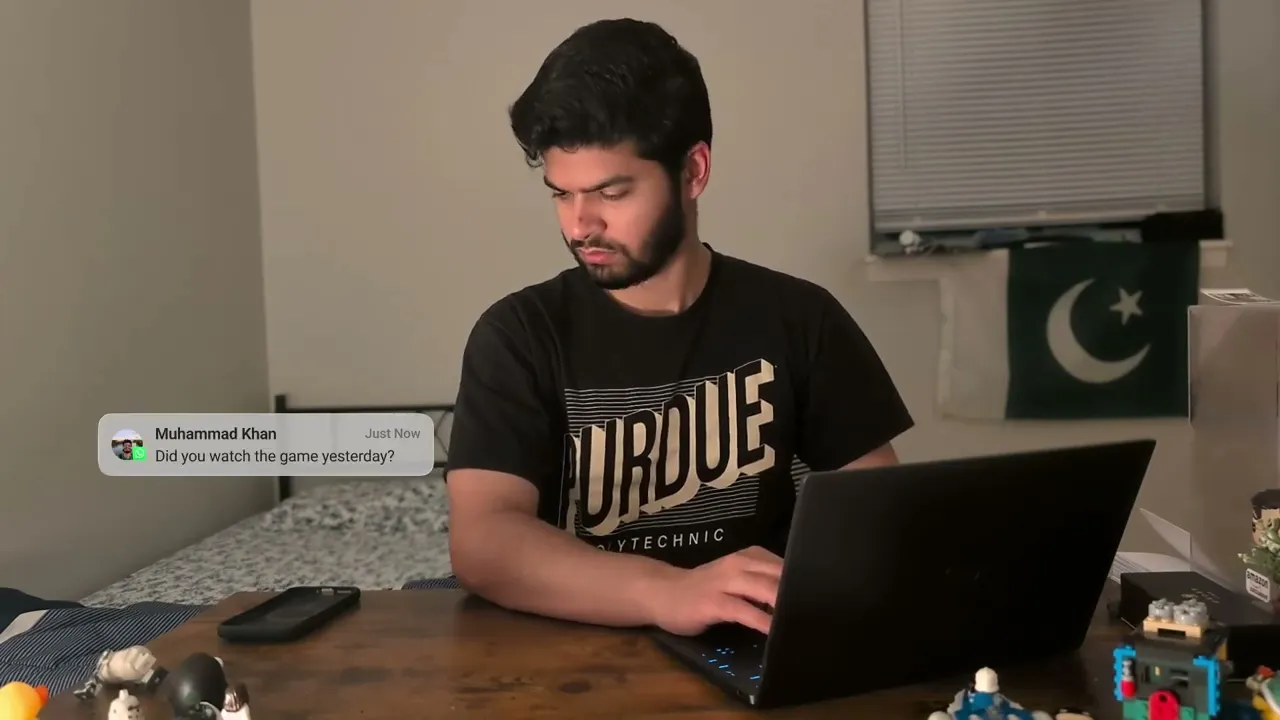
You take a quick break from work, check your phone, and end up doomscrolling for 15 minutes. When you stop, your brain is in a haze. This isn't laziness and it's not your fault. It's a dopamine crash that makes focusing physically impossible.
Bridge is a guided two-minute exercise that walks you back to work through movement and intention.
the context
Social media keeps you scrolling by hijacking your brain's reward system.
Closing social media after doomscrolling leaves your brain in a haze.
Existing solutions don't address what happens after the scroll.
the solution
When you close a social media app, you get a notification.
If you choose to open it, the Bridge intervention opens.
The intervention guides you to
Walk around
Speak out loud. What's on your mind?
Speak out loud. What tasks do you have to do next?
Why EaCH STEP Should work
Social media keeps you scrolling by hijacking your brain's reward system.
Closing social media after doomscrolling leaves your brain in a haze.
Existing solutions don't address what happens after the scroll.
How I know it works
A multi-day test was advertised through a LinkedIn post. The test proved to be very successful, provided a lot of great results and some great insights.
0%
Net Promoter Score
0/7
average Single Ease Question score
0/5
CSAT Score
✨
Connect to Content
Add layers or components to swipe between.
High Fidelity Material
What did the app look like?
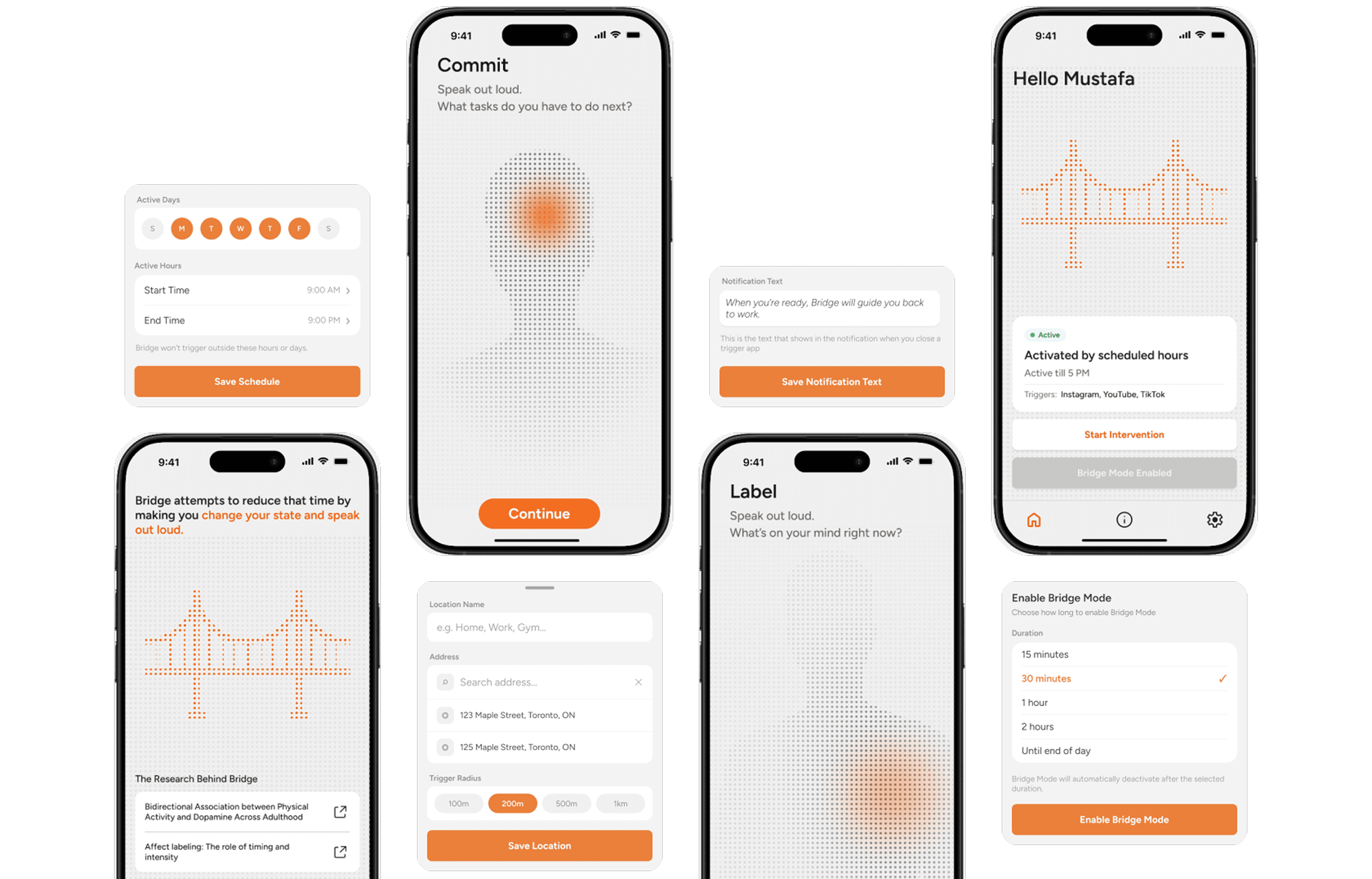
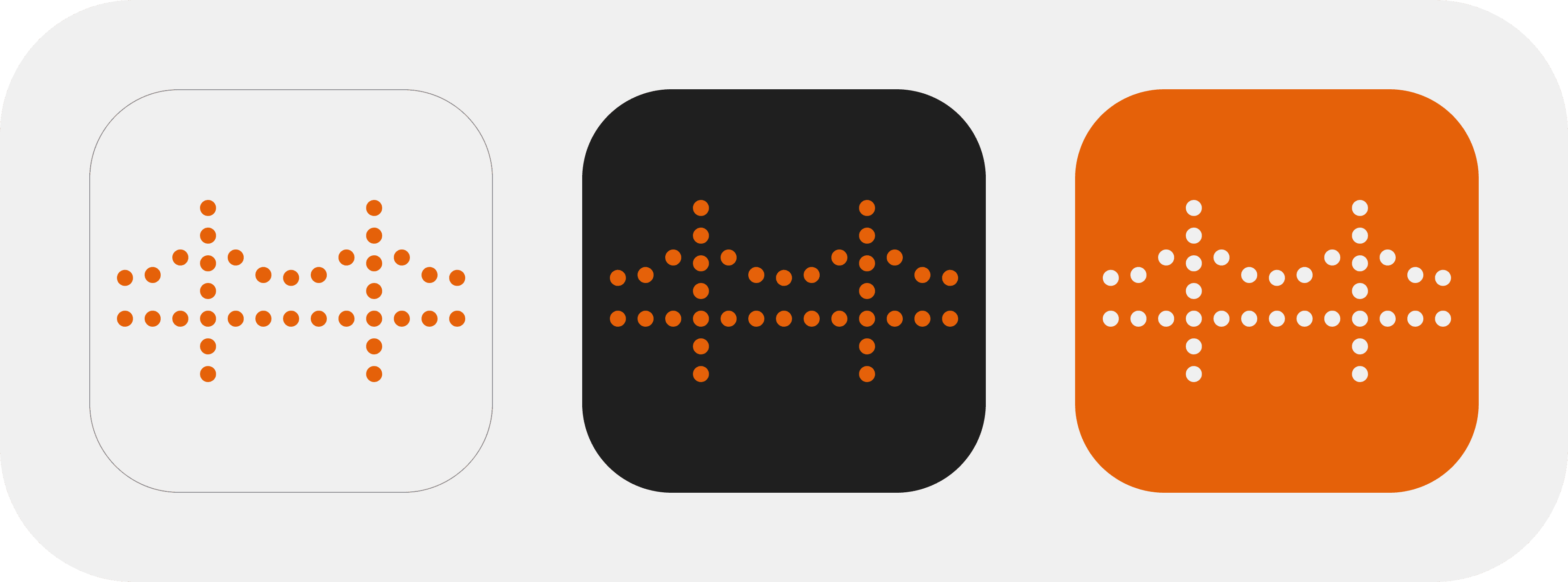
The warm earthy palette and calm typography were chosen to reflect what Bridge is trying to do: slow things down, not speed them up. In a moment of cognitive fog, harsh colors and aggressive UI would only add to the noise. Bridge is designed to feel like a steady hand rather than an alarm.
Every design decision reinforces the same idea — Bridge is a nudge, not a push. The notification does not demand. The interface does not rush. The exercise does not punish you for having scrolled. The product meets you where you are and walks alongside you, rather than pulling you somewhere you are not ready to go.



I explored some other designs before I finalized this one.
What next?
Bridge is continuing beyond the capstone.
The study produced strong enough results to continue development. Three participants explicitly requested to keep using Bridge after the test ended. The next phase involves building a fully native Android application with deeper OS integration, a more polished exercise flow using Rive animations, and a larger scale study. Most digital wellness tools are built around prevention. Bridge is the only one built around recovery.
Made with Framer, Rive, and a lot of Jolly Ranchers
© 2026 - Mustafa Arshad
This case study is protected under an NDA. All official data has been altered.
Using agentic AI to keep product information systems up to date.
the Problem
You build a journey map that perfectly captures how a customer experiences your product. After your product ships, your data shifts, and a new role joins the team. Six months later, you're presenting a map that no longer reflects reality, and the blame lands on the CX strategist who never had a clear signal that anything had drifted in the first place.
Journey maps are living documents, but the tooling around them treats them like static files. The Agentic AI maintenance agent is built to close that gap, proactively watching connected data and surfacing what needs your attention, with the fix already drafted.
the context
Maintenance is reactive, triggered by new events.
Across six interviews with CX strategists and UX researchers, every update we heard about was triggered by a noticeable event — a product change, a customer complaint, a new role joining the team. Nobody described a workflow that surfaced drift before someone noticed it. Maintenance lived in project closeouts and presentation prep, not in the day-to-day.
Maintenance is reactive, triggered by new events.
Trust in a journey decays with time, not with accuracy.
Trust in a journey decays with time, not with accuracy.
Existing verification tools are scheduled, not contextual.
Existing verification tools are scheduled, not contextual.
the solution
The agent watches connected analytics, insights, and personas in the background and nudges the map owner the moment something drifts, with the suggested change, the evidence behind it, and a one-click way to act on it.
The agent watches connected analytics, insights, and personas in the background and nudges the map owner the moment something drifts, with the suggested change, the evidence behind it, and a one-click way to act on it.
Design Decisions
Proactive monitoring beats scheduled review.
Proactive monitoring beats scheduled review.
Evidence quotes do more for trust than accuracy.
Evidence quotes do more for trust than accuracy.
Reversible decisions are fast decisions.
Reversible decisions are fast decisions.
where do users meet the agent?
Three entry points, designed so the agent meets users wherever they already are — not as a feature they have to remember to open.
Workspace
A badge on each journey map shows how many fresh suggestions are waiting, so review is the first thing you see when you open a workspace.
Intelligence Agent
An always-available chat panel where users can upload new research, ask follow-up questions, or trigger a review themselves.
In-Map Panel
A lightbulb in the journey toolbar opens the full suggestion list alongside the map, with the affected stages highlighted in place.
Design Decisions
Evidence is never one click away.
Every suggestion card shows the supporting quote and a link to the original document. The AI's reasoning is visible by default, not hidden behind a "why?" button.
The user always casts the vote.
The agent drafts; the user decides. Three actions, Approve, Deny, Snooze, cover the full decision space, and an Approved / Denied history makes every call reversible.
How I know it works
We ran moderated usability testing with six UX designers familiar with journey mapping (used as a substitute for live JourneyTrack customers, to avoid setting unintended product expectations). Each session walked participants through three core tasks — finding the agent, acting on a suggestion with evidence, and initiating a walkthrough — followed by structured reflection questions.
0/10
0/10
average task difficulty across all three tasks
0
0
usability testers across two navigation variants
0
0
design iterations integrated from test feedback
Evidence transparency drove trust more than recommendation accuracy.
Evidence transparency drove trust more than recommendation accuracy.
Walkthrough mode cut perceived effort but blurred against manual review.
Walkthrough mode cut perceived effort but blurred against manual review.
Pop-up evidence beat in-panel evidence by a wide margin.
Pop-up evidence beat in-panel evidence by a wide margin.
The one insight that validated everything
"I trust the suggestion the moment I can see where it came from."
Synthesized from usability testing, n=6. This was the through-line of every session. The problem was never accuracy. It was transparency. Once the evidence quote and source link were accessible, the entire interaction shifted from "is this right?" to "yes, that fits."
Other quotes from testers are as follows:
⭐️
Connect to Content
Add layers or components to make infinite auto-playing slideshows.
Design Decisions
What does the agent look feel like?
The maintenance agent had to feel like a collaborator, not an autopilot. JourneyTrack already has a Storytelling AI, an Insights AI, and a Persona AI — another autonomous voice would have added confusion, not value. Our agent had to read as the careful, evidence-quoting teammate of the bunch. We chose a warm accent that signals attention without urgency. The panel sits flush to the side of the map, never blocking the work.
The agent collaborates. It doesn't decide.
Every interaction is tuned to the same idea: the user is in charge, the agent is in service. Approve / Deny / Snooze instead of auto-apply. Inline evidence instead of a hidden "explain" link. A history tab instead of a discard pile. Settings moved to the workspace level so the agent's rules of engagement live where users already manage other guardrails.
What's next?
Resolve the walkthrough vs. manual review overlap with a fresh round of testing.
Usability testing surfaced one tension we didn't fully resolve in the time we had: testers weren't always sure when to use walkthrough mode versus reviewing suggestions on their own. We iterated on the entry point, but the deeper question — are these one flow or two? — deserves another round. Beyond that: gauge real customer reception once the agent ships, and extend the onboarding tutorial to differentiate the maintenance agent from JourneyTrack's existing AI surfaces. The goal isn't a faster maintenance flow. The goal is journey maps people still trust a year after they were made.
How does this shape my future work?
Go extremely deep into the problem.
Trust is a UX problem, not a model problem.
Combine concepts before you over-build them.
Match the platform's mental model before introducing your own.
Design for the noticer, not just the owner.
More Projects

I explored some other designs before I finalized this one.
Made with Framer, Rive, and a lot of Jolly Ranchers
© 2026 - Mustafa Arshad